Module @trevixal/extension-workspace
@trevixal/extension-workspace




Documentation · Live editor · Changelog · Issues
Features
- A document store with folders, templates, recents and favourites
- A tab strip, a split view and a live preview
- 11.4 kB minified and gzipped, with TypeScript types in the package
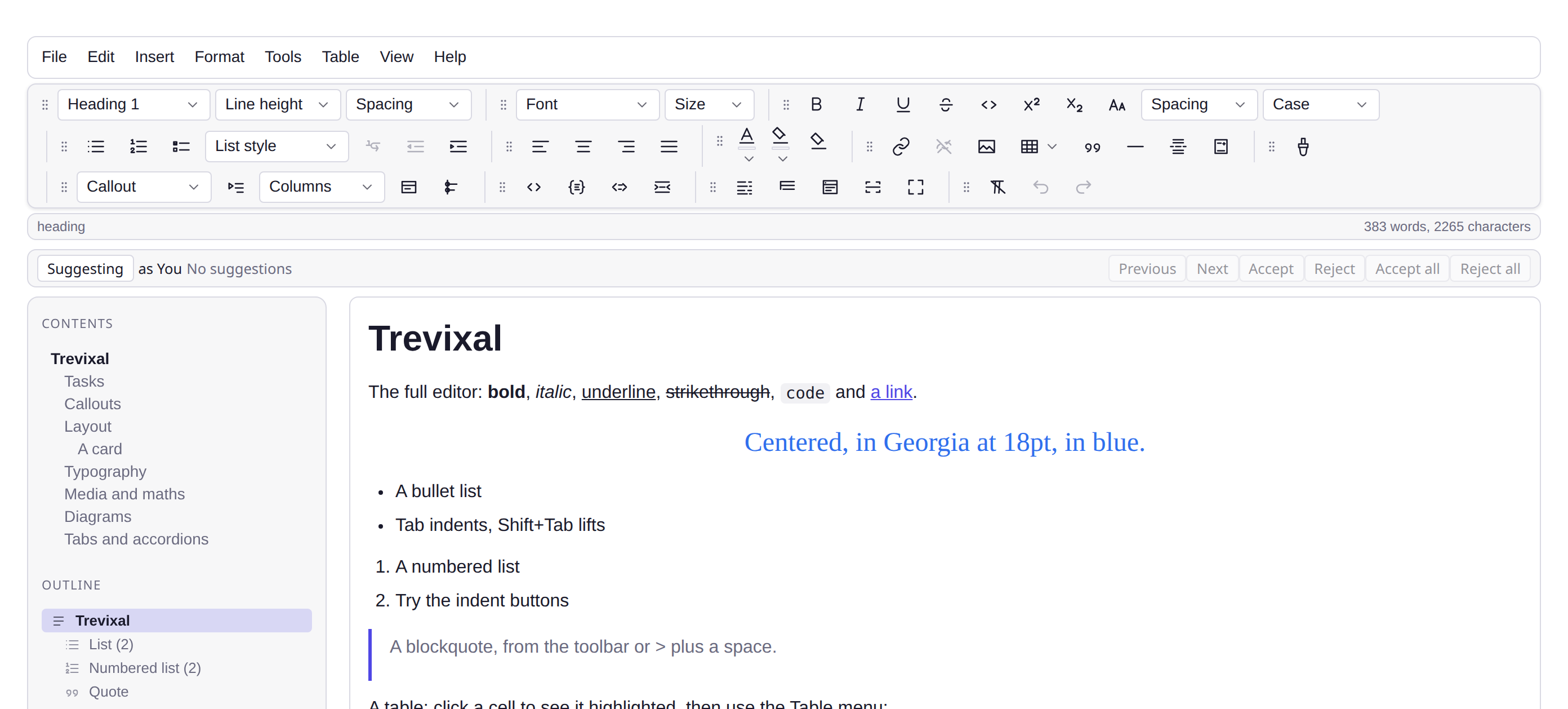
Several documents: a store with folders and templates, a tab strip, a sidebar, and a second view of what you are editing.
npm install @trevixal/extension-workspace
Usage
import {
WorkspaceStore, createWebStorage, createDocumentTabs, createWorkspacePanel, createSplitView,
} from '@trevixal/extension-workspace'
const store = await WorkspaceStore.open(createWebStorage(localStorage, 'app:workspace:'))
const tabs = createDocumentTabs(editor, store, { container: tabsHost })
createWorkspacePanel(editor, store, tabs, { container: panelHost })
The store
create, get, save, list, rename, move, duplicate, remove,
setFavorite, setPinned, touch, recent, favorites, search, and
folder operations (folders, createFolder, renameFolder, removeFolder).
Storage is the same four-method KeyValueStorage interface the autosave and
the encrypted vault use (get, set, remove, keys) so a workspace can
be put behind an API, IndexedDB or an encrypted wrapper without the store
knowing.
Six templates ship (defaultTemplates()): Blank, Meeting notes, Project
brief, Blog post, Weekly report, README.
Split view
const split = createSplitView(editor, { container: paneHost, mode: 'preview' })
split.setMode('mirror')
preview renders the document as a downloaded page would, in an iframe
carrying the collected CSS and the current theme, so what you see beside the
editor is what a reader gets, not an approximation of it.
Because it is a document of its own it carries a copy of the palette rather
than inheriting the page's, so the pane watches for a theme change and
re-renders itself. Switching theme touches no document and raises no update,
and without that watch the pane went on showing the palette it opened with
until the next keystroke, a white sheet beside a dark editor, for as long as
you were only reading.
mirror is a second live editing surface on the same document. Type in
either; both are views of one state, so there is nothing to reconcile.
Both panes need what the editor has
A pane given only the document is not a copy of the editor. Three things that look like content are not in it at all: syntax colours are a decoration layer, a drawn diagram is an element the view appends beside its code block, and a tab strip is a click handler. All three are installed per editor, so a pane left bare shows grey code, no diagrams, and tab titles that do not respond.
createSplitView(editor, {
container,
mode: 'mirror',
// The mirror is its own editor: give it the same extensions.
onMirror: (pane) => {
const off = codeHighlight(pane, highlighter)
const bindings = blockBindings(pane)
return () => { off(); bindings() }
},
})
createSplitView(editor, {
container,
mode: 'preview',
// The preview is a page: it takes the colours and diagrams as markup, read
// off the live editor, and carries its own behaviour as a script.
renderNode: () => renderedNodeHTML(captureRenderedBlocks(editor)),
script: documentBehaviourScript,
})
captureRenderedBlocks, renderedNodeHTML and documentBehaviourScript come
from @trevixal/ui, which is where the export path already reads the same
three things for a downloaded page. The preview runs the same script the
downloaded file does, so a tab strip behaves the same way in both.
The preview's sandbox
The frame is sandboxed as allow-scripts, and deliberately not
allow-same-origin. Those two together are not two permissions but a hole: a
frame holding both can reach its embedder and rewrite the sandbox attribute
that was meant to contain it. Either one alone is safe. With scripts alone the
preview sits on an opaque origin. It runs the page's own script and can read
nothing of the embedding page's DOM, cookies or storage.
The embedder cannot reach in either, which is the point and also the
constraint: anything the pane needs from the frame it asks for by
postMessage. That is how the scroll link works, and how the preview keeps
its scroll position across a re-render.
It was the other way round until WebKit was first run against it. Wiring the frame from the embedder works in Chromium and Firefox, and does nothing at all in WebKit: a document whose scripting the sandbox has disabled invokes no listener there, however that listener got attached. The titles were drawn and clicking them did nothing.
Scrolling
Both panes stay on the same block, in whichever one the reader scrolls. The
position is exchanged as a block index and a fraction into that block, not as
a pixel offset or a percentage: the two panes are different heights, the
preview carries no toolbars and draws a diagram where the editor shows its
source, so the same pixel is a different place in each. What they do agree on
is the document. Pass syncScroll: false for a preview meant to be scrolled
on its own.
Only one strip may own the tab bar and autosave into the store, a second would fight it, so open the workspace once and share the handle.
License
Apache-2.0