Module @trevixal/extension-forms
@trevixal/extension-forms




Documentation · Live editor · Changelog · Issues
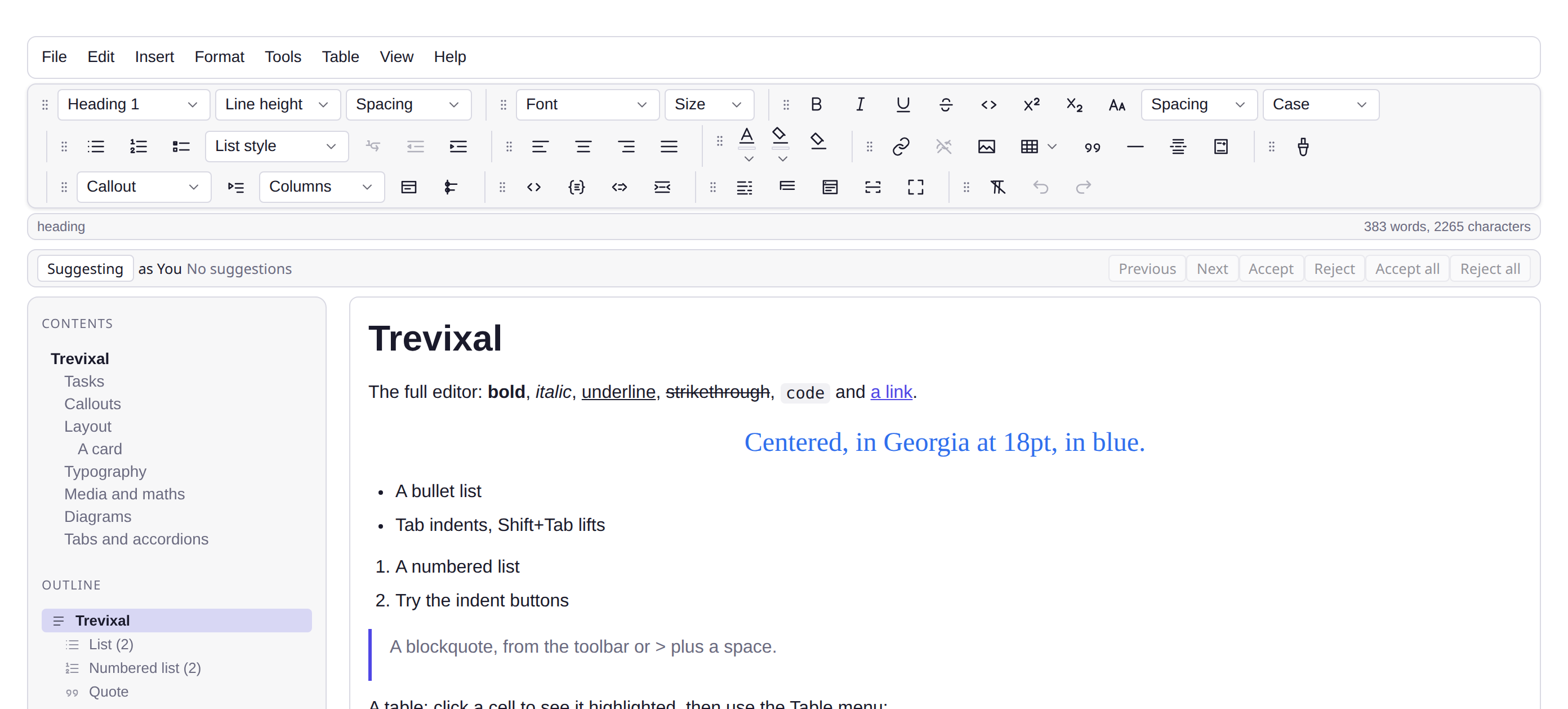
Features
- Fields in the text: a text box, a tick box, a drop-down list, a date and a signature
- A fillable PDF of the document, with real AcroForm fields
- Mail merge: one document per row of a CSV or JSON file
- 5.2 kB minified and gzipped, with TypeScript types in the package
Forms and mail merge for the Trevixal editor: content controls in the text for someone to fill in, a fillable PDF of the document, and one document per row of a CSV or JSON file.
npm install @trevixal/extension-forms
Usage
import {
enableFormFields,
formFieldNodes,
insertFormField,
} from '@trevixal/extension-forms'
const schema = new Schema({ nodes: { ...defaultNodes(), ...formFieldNodes() }, marks })
editor.exec(insertFormField({ kind: 'text', name: 'client', label: 'Client name', options: [] }))
const stop = enableFormFields(editor, {
fill: (field) => askForValue(field), // your dialog; resolve null to leave the field as it is
})
The field
A field is one inline atom, formField, with five attributes: its kind,
its name (what a mail merge fills it from and what the PDF form calls it),
its label (the prompt), a drop-down's options, and the value filled in
so far. It renders as span.trevixal-field[data-form-field][data-name], with
its value as text, or its label until it has one. A tick box shows ☐ or ☒ and
carries role="checkbox" and aria-checked. The attributes round-trip
through Trevixal JSON and HTML. Markdown, Word and RTF write the field as what
it shows; plain text, like editor.getText(), leaves inline atoms out.
A name is letters, digits, _ and -, starting with a letter or _, as
CSV headers and PDF forms both take them. insertFormField declines a name
that is not one.
Filling in
enableFormFields makes the fields answer a click. A tick box ticks or
clears. Any other field calls fill with the field and writes what it
resolves to. From the keyboard, select the field (Shift and an arrow key) and
press Enter or Space. The keys run before the editor's own bindings, so Enter
on a selected field does not also break the line. It returns a disposer.
| Function | What it does |
|---|---|
insertFormField(field) |
Puts a field in at the caret |
formFields(doc) |
Every field in document order, with its path and offset |
setFieldValue(path, offset, value) |
Fills in the field there |
formFieldOf(node), fieldDisplay(field) |
A node's field, and what it shows |
Mail merge
import { mergeDocument, parseMergeRows, rowName } from '@trevixal/extension-forms'
const rows = parseMergeRows(fileText) // CSV with a header line, or a JSON array of objects
const letters = rows.map((row, index) => ({
name: rowName(row, index), // the row's first value, made safe for a file name
doc: mergeDocument(editor.state.doc, row),
}))
mergeDocument fills each field from the column of its name, and replaces
each {{name}} written in the text. A field or placeholder with no column
of its name is left as it is. parseCSV reads RFC 4180: quoted fields,
doubled quotes, and commas and line breaks inside quotes. A file with no rows
throws MergeFileError.
The PDF form
import { serializeToPDFForm } from '@trevixal/extension-forms'
const bytes = serializeToPDFForm(editor.state.doc, { title: 'Order form' }) // Uint8Array
The document's text is set in Helvetica on US Letter pages, headings larger
and bold, and each field becomes a real AcroForm field where it stands: a
text box (/Tx) for text and dates, a check box (/Btn) with its own tick
appearance, a combo box (/Ch) for a drop-down, and a signature field
(/Sig). Each is filled with what the field holds, so the file opens in any
PDF reader ready to fill in and save. Two fields with one name become
name_2 and so on, since a PDF form keeps one value per name.
This writer is for forms. It keeps the words and the fields, and leaves out pictures, table layout and colours: a table's cells come out one under another. For a PDF that looks like the page, print it and choose "Save as PDF".
In the assembled editor
@trevixal/editor-kit wires all of it: Insert ▸ Form field (Text box,
Tick box, Drop-down list, Date, Signature), a dialog for each field's value,
File ▸ Download as ▸ Fillable PDF form (.pdf), and Tools ▸ Mail merge…,
which takes a CSV or JSON file and downloads a .zip of Word, fillable PDF,
web page or Markdown files, one a row.
License
Apache-2.0